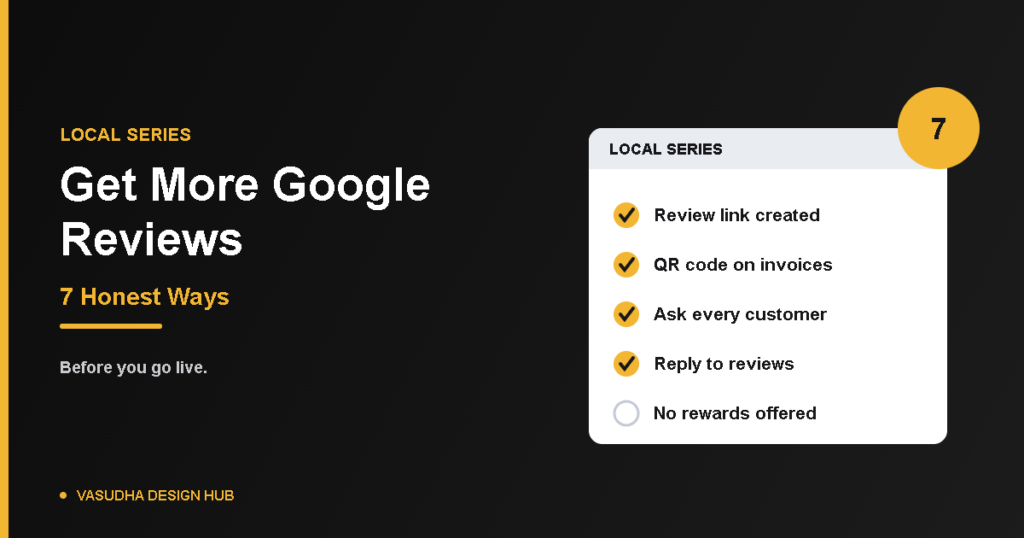
If you want to get more Google reviews, the good news is that the best methods are simple, free and fully allowed. The bad news is that the shortcuts many businesses try can get reviews removed or your profile restricted. This guide covers what Google permits, seven honest ways to ask, and what to avoid. If you haven’t built your profile yet, start with how to set up a Google Business Profile.
The Rules in 60 Seconds
Allowed:
- Asking customers for honest reviews
- Sharing your review link or QR code
- Replying to reviews
- Asking all your customers, not a selected few
Not allowed:
- Rewards of any kind, such as free or discounted goods or services, in exchange for reviews. Google treats this as fake engagement.
- Asking only the customers you expect to be happy. Google prohibits discouraging negative reviews or soliciting only positive ones, which is called review gating.
- Writing reviews yourself, or having staff or family write them.
Google’s rules are set out on its Business Profile tips page and in its Maps content policy. Policies get updated, so check them before you build a process.
Get More Google Reviews: 7 Honest Ways
1. Create your review link and QR code
Google gives every verified profile a link and QR code that opens the review box directly. In your profile, look for the Read reviews area and the Get more reviews option, where you can copy the link or save the QR code. Google explains the steps on its review link page, and the menu names may change over time.
2. Ask at the right moment
The best time to ask is right after the customer has had a good result: a finished job, a delivered order or a thank-you. Keep the ask open-ended, such as “We’d value your honest feedback,” and avoid steering the wording.
3. Ask every customer, not just the happy ones
Build a simple routine so everyone gets the same request, whatever you expect them to say. Sending the link only to customers you think will say positive things is the review gating that Google prohibits, and it also hides the feedback you most need to see.
4. Make it easy
People review when it takes ten seconds. Put the QR code on your invoices, counter, signboard and packaging, add the link to your email signature, and send it in a WhatsApp message after the service.
5. Use a short, honest message
Here’s a message you can adapt: “Hi [Name], thank you for choosing us. If you have a minute, we’d really value your honest feedback on Google: [link].” Don’t ask customers to mention a staff member’s name or include specific words, and don’t pressure anyone to post while they’re still in your shop.
6. Reply to every review
Google’s tips say replying shows customers that their feedback matters. Thank people for positive reviews and mention something specific. For a negative one, stay calm, apologise where you should, and offer to fix the problem. A mix of positive and negative reviews often feels more trustworthy than a perfect score. For wording and examples, see how to reply to Google reviews.
7. Learn from what people write
Reviews tell you what customers notice. Fix repeated complaints, and when you do, say so in a reply. It shows that feedback changes something.
What to Avoid
Don’t offer discounts, gifts or entries into a draw for reviews. Don’t offer anything in exchange for changing or removing a review either, because Google prohibits that too. Don’t buy reviews or ask friends to post fake ones. And don’t send hundreds of requests at once, because Google watches for unusual patterns of review activity. Build the habit gradually instead.
Quick Questions
How many reviews do I need?
There’s no magic number. A steady flow of genuine reviews matters more than a big count.
Can I ask customers who bought months ago?
Yes, as long as you ask customers equally and don’t pick only the happy ones.
Should I delete a bad review?
You can’t delete reviews yourself. You can reply, and you can report a review that breaks Google’s policy.
The Bottom Line
To get more Google reviews, make asking part of your routine, ask everyone, make it easy and reply to every response. It’s slower than shortcuts, but it builds a profile that customers trust and Google doesn’t penalise. If your profile description needs work too, see our guide to writing a Google Business Profile description that attracts clicks.
Next step: Reviews coming in? Learn how to reply to Google reviews. For the full plan, see our local SEO checklist.