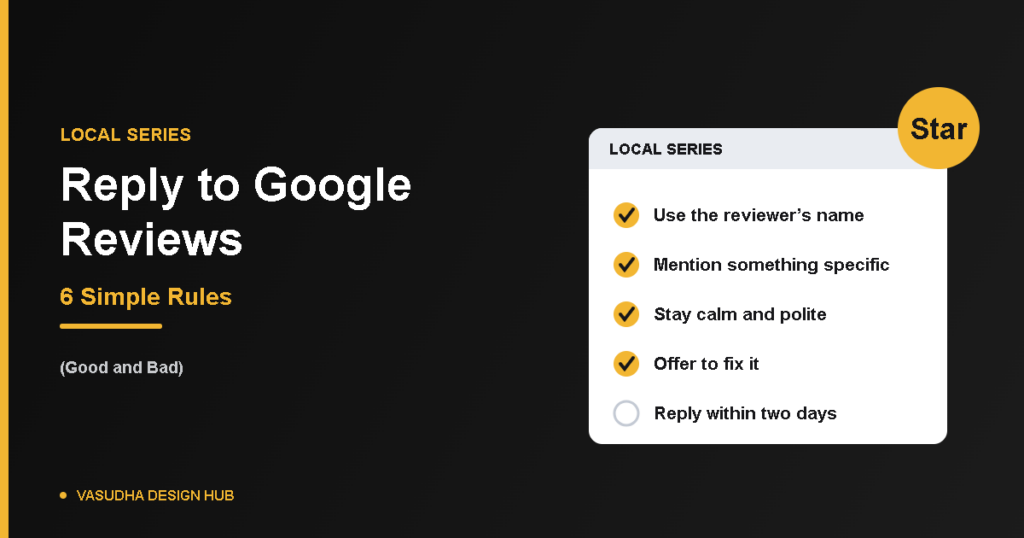
Knowing how to reply to Google reviews matters almost as much as getting the reviews. A new customer reads your replies to judge how you treat people, and a calm, helpful answer to a bad review often says more about your business than a five-star rating. This guide covers the mechanics, six simple rules, sample replies, and when to report a review instead.
How to Reply: The Mechanics
Before you can reply, your profile must be verified. If you haven’t done that yet, see our guide to set up a Google Business Profile. Then:
- Open your Business Profile and select Read reviews.
- Next to the review, select Reply.
- Write your reply and select Reply again.
A few things to know, from Google’s page on managing reviews. Google checks your reply against its content policies before it appears publicly. The reviewer is notified when you reply, and customers can still change their review after reading your reply. You can also edit or delete your own reply later. Menu names change over time, so look for the same options if the wording differs.
Reply to Google Reviews: 6 Simple Rules
1. Reply to every review you can
Aim to answer within a couple of days. A profile where the owner replies shows customers someone is paying attention, and Google’s own tips say replying shows customers their feedback matters.
2. Use the reviewer’s name and mention something specific
Google suggests addressing the reviewer by name and acknowledging their specific feedback. “Thanks, Priya, glad the delivery reached you on time” works better than a generic “Thanks for your review.”
3. Keep it short and human
Two to four sentences is plenty. Avoid copying the same reply to every review, because customers notice, and it reads as automated.
4. Stay calm with negative reviews
Thank them for the feedback, apologise for the part that was genuinely your fault, say what you’ll do, and offer to continue the conversation by phone or email. Don’t share private details in public.
5. Never argue, blame or defend
Even when the review is unfair, your reply is written for the next customer reading it. A short, polite response beats a long defence. Honest, balanced reviews help potential customers decide, and a mix of positive and negative feedback often feels more trustworthy.
6. Never offer something in exchange for changing or removing a review
Google prohibits offering free or discounted goods or services for posting, changing or removing reviews. If a customer is upset, fix the problem, but don’t attach a reward to their review.
Sample Replies
For a positive review:
“Thank you, [Name]. We’re glad the [specific thing] worked well for you, and we’d love to help again whenever you need us.”
For a negative review:
“Hi [Name], thank you for telling us, and we’re sorry the [specific problem] didn’t go as it should. We’d like to put it right. Please call us on [number] or email [address] so we can look into it properly.”
Adapt the wording, and keep the details specific to what the customer actually wrote.
Reply or Report?
Reply to honest reviews, even harsh ones. Report only reviews that break Google’s policies, such as spam, fake content or abusive language. Google’s reporting page says you can report any review, but only those that violate policy are eligible for removal. Don’t report a review just because you disagree with it, since Google doesn’t get involved in disputes between businesses and customers.
After you report a review, its status shows as pending or as reviewed with no policy violation, and you can submit a one-time appeal. If someone demands money in exchange for removing negative reviews, don’t pay. Google has a dedicated page for reporting review extortion.
Quick Questions
Can I delete a bad review?
No. Only Google removes reviews, and only when they break its policies.
Should I reply to positive reviews too?
Yes. A short, specific thank-you shows you value all customers, not just the unhappy ones.
How long should a reply be?
Two to four sentences is usually enough.
The Bottom Line
To reply to Google reviews well, be quick, specific and calm, and write for the next customer who’s reading. Pair it with a steady routine to get more Google reviews, and your profile will build trust over time. If you’d like help with your online presence, our website design services are a good place to start.
Next step: Ready for the full plan? See our local SEO checklist.