Knowing how to make a logo sounds like a designer’s skill, but a small business owner can get a clean, usable result in a single afternoon. The secret isn’t artistic talent. It’s making a handful of decisions in the right order, so you don’t end up with a design that looks good on screen and falls apart on an invoice, a signboard, or a phone.
If your business name is already settled, this guide picks up where our article on choosing a brand name and logo that builds trust left off. Here is the practical part: how to actually get the logo made.
How to Make a Logo in 7 Steps
1. Write down what the logo needs to say
Before opening any tool, pick three words that describe your business, such as “reliable, local, modern.” Every design choice you make later gets checked against those words. Also note where the logo will appear most: an Instagram profile photo, visiting cards, a shop board, or a website header. A logo that must work as a tiny round profile picture needs a different shape than one used mainly on a wide banner.
2. Study what others in your field are using
Spend ten minutes looking at five businesses like yours. The goal isn’t to copy them. It’s to spot what’s overused (many marketing agencies, for example, default to an upward arrow) so you can avoid blending in. Note which ones feel trustworthy at a glance, and ask yourself why.
3. Choose a logo type
Most small business logos fall into three types: a wordmark (your name in a well-chosen font), a lettermark (your initials), or a symbol with your name beside it. If your name is short and distinctive, a wordmark is the safest option. If it’s long, initials or a symbol may fit small spaces better.
4. Pick a tool that matches your skill level
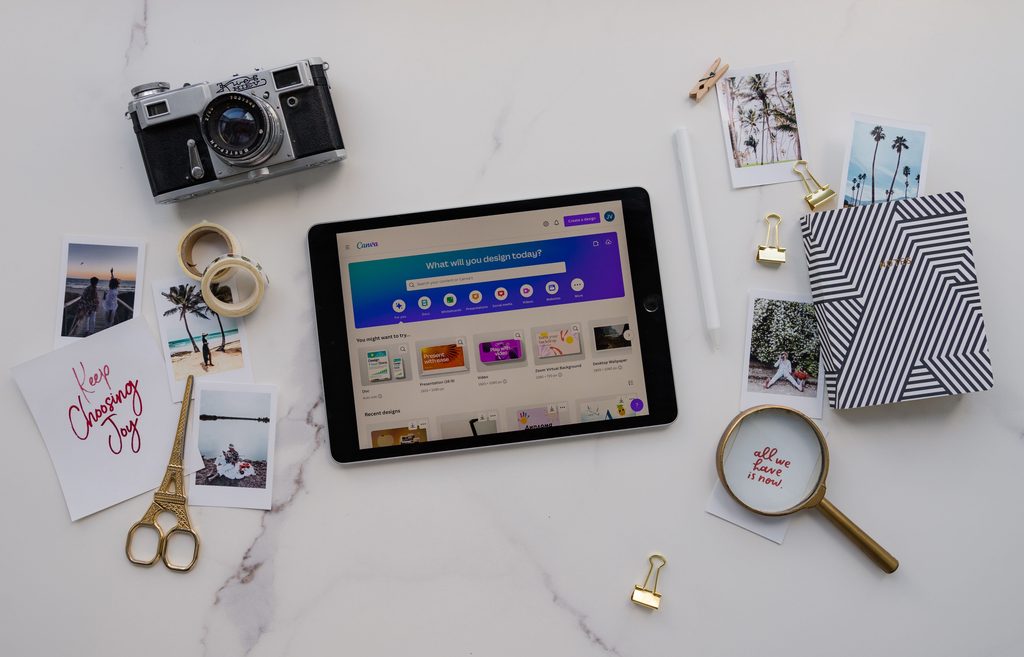
You have three realistic routes. Design tools like Canva or Adobe Express are the easiest starting point. Logo generators such as Looka suggest layouts based on your answers. Vector software like Figma or Inkscape gives you full control but takes longer to learn. Whichever you choose, check what the free version allows before investing hours. Canva’s free plan, for example, doesn’t include transparent-background or SVG downloads, and some other tools charge for any download at all. Our comparison of free logo maker tools shows what each one actually gives you.
5. Keep the design simple, then test it small
Start with your name in one or two fonts and a single main colour. Resist adding extra icons. Then run three tests: shrink the logo to the size of a browser tab icon, view it in black and white, and place it on both a light and a dark background. If it still reads clearly in all three, it’s working. For help choosing your fonts and colours, see our guide to brand colours and fonts. For more pitfalls, read our list of logo mistakes to avoid.
This matters more than it seems. Google can show your site’s icon next to your listing in search results, and Google’s guidelines for site icons ask for an image that visually represents your brand. A logo that turns to mush when small will struggle there too.
6. Check that it isn’t already taken
Run a reverse image search on your finished design, and browse similar businesses in your industry to make sure nothing looks too close. In India, you can also search the official trademark register for similar names and marks using the IP India public search portal before printing anything. A clear result isn’t a legal guarantee, so for a brand you plan to grow, it’s worth asking a trademark professional to confirm. For the full process, see our guide on how to check business name availability in India.
7. Save the right files
Export at least three versions: a PNG with a transparent background for websites and social media, a vector file (SVG or PDF) for printing, and a one-colour version for stamps or embroidery. Keep light and dark versions in one folder so everyone who prints your signboard or visiting cards uses the same files. Free design tools don’t always offer these formats. Canva’s free plan, for example, doesn’t include transparent PNG or SVG downloads. Our comparison of free logo maker tools shows what each tool gives you. Free design tools don’t always offer these formats. If yours doesn’t, you may need to upgrade or switch tools to get the transparent PNG and vector file. Our guide to logo file formats explains each one in detail.”
Should You Make It Yourself or Hire a Designer?
Learning how to make a logo yourself makes sense when your budget is tight and your needs are simple, such as a name on a social media profile and a few documents. If you need a full identity with colors, fonts, packaging and a consistent look across everything, a designer saves rework later. Our branding services are built for exactly that stage.
Common Questions
How long does it take to make a logo?
A simple wordmark can take one to two hours. Allow a few days if you want to test it with colleagues or customers.
Do I need to pay for a logo?
Not necessarily. Free tools can produce a usable logo, but check the download limits before you commit.
The Bottom Line
You don’t need design training to learn how to make a logo. You need a clear idea of what it should say, a simple design that survives small sizes, and the right files saved at the end. Do those three things, check that your logo isn’t already taken, and you’ll have something that looks professional wherever it appears.
Next step: Not sure which tool to use? See our comparison of 5 free logo maker tools: Canva, Adobe Express, Looka and more.