Hosting is the part of a website that nobody finds exciting, until the site goes down or runs slowly. This guide has website hosting explained in plain English: what it is, the main types, and what a small business should check before paying for a plan. If you’re still planning your site, start with our main guide on how to build a small business website.
What Is Website Hosting?
Your website is a set of files: pages, images and a database. Hosting is the service that stores those files on a computer, called a server, that’s always connected to the internet, so visitors can open your site any time. If your domain is your address, hosting is the building at that address. Our guide on how to choose a domain name covers the address side.
Some platforms include hosting for you. All-in-one website builders do, and so does WordPress.com. With self-hosted WordPress, you choose and manage hosting yourself.
Website Hosting Explained: 5 Types
1. Shared hosting
Your site sits on a server alongside many other websites, sharing its resources. It’s the cheapest option and works for small sites with modest traffic. The trade-off is that a busy neighbour can slow you down.
2. VPS hosting
A virtual private server gives you your own reserved share of a server’s resources. It’s more reliable than shared hosting and gives you more control, but it usually needs more technical knowledge unless your provider manages it for you.
3. Cloud hosting
Your site runs on a network of connected servers rather than one machine, which makes it easier to scale when traffic grows. It suits sites with variable or growing traffic.
4. Dedicated hosting
You rent a whole physical server. It offers full resources and control, but it costs the most and is rarely needed by a small business.
5. Managed WordPress hosting
This describes the service rather than the hardware. The host looks after technical work such as backups, updates, security and speed, so you can focus on your content. It can run on shared, VPS or cloud setups, and it usually costs more than basic shared hosting.
Which One Should a Small Business Choose?
Most small business sites start on shared hosting or a managed WordPress plan. If you’re comfortable with technical work and want the lowest cost, shared hosting is fine to begin with. If the site earns enquiries or carries your brand and nobody on your team wants to handle updates and backups, a managed plan saves time and worry. Move up to VPS or cloud only when your traffic or needs outgrow your plan. For more on the WordPress side, see WordPress.com’s explanation of WordPress hosting versus web hosting.
What to Check Before You Buy
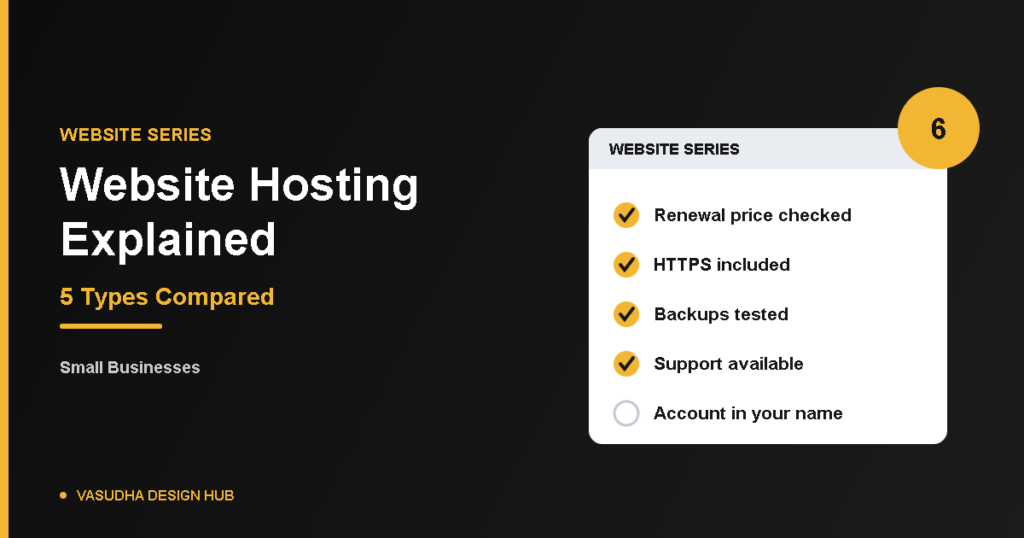
- Renewal price: many plans advertise a low first-year price, so check what you’ll pay when it renews.
- HTTPS (SSL): make sure it’s included, and that it’s easy to switch on. WordPress.org recommends HTTPS.
- Backups: find out how often they run, how long they’re kept and how you restore one.
- Support: check the hours, the channels (chat, phone, email) and whether support is in a language you’re comfortable with.
- Speed and server location: a server closer to your customers can help pages load faster, so check where the provider’s servers are.
- Security: ask what protection is included, such as malware scanning and automatic updates.
- Moving away: check that you can export your site if you want to switch later.
- Email: see whether business email is included or costs extra.
Common Mistakes
Choosing only on the lowest price, ignoring renewal costs, letting a developer register the account in their own name, and never testing a backup are the usual problems. Keep the hosting account in your own name and email, and set a renewal reminder. Slow or unreliable hosting also contributes to the website mistakes that quietly cost you customers.
Quick Questions
Do I need hosting if I use a website builder?
No. All-in-one builders include hosting in their plans, and so does WordPress.com.
Can I change hosting later?
Yes, but it takes planning. Ask your provider or developer about the process before you start, and take a full backup first.
How much does hosting cost?
It varies widely with the type and provider, and prices change, so get current quotes. Budget for the renewal price, not just the first year.
The Bottom Line
With website hosting explained, the choice is easier than it looks: start with shared or managed hosting, check the renewal price, backups and support, and keep the account in your own name. You can always upgrade as your site grows. Before you go live, run through our website launch checklist, and if you’d like help setting it up, our website design services are a good place to start.
Next step: see how to improve your WordPress website speed.